

To check an llms.txt file, fetch yourdomain.com/llms.txt, confirm it returns HTTP 200 as plain text, then validate its Markdown structure and resolve every link inside it. An llms.txt checker automates those steps. To learn whether AI crawlers read the file, search your server logs for requests to /llms.txt.
Key takeaways
- A valid llms.txt needs one thing under the llmstxt.org, September 2024 proposal: an H1 with the site name. Everything else is optional, and order matters.
- Syntax is only one place a file can fail. Links that redirect or 404, a wrong content type and CDN rules that block the bots you wrote the file for matter too.
- Do not assume bots fetch it. Published log samples show a few fetches from some crawlers and none from others, so read your own logs.
- Google says it does not need the file for its AI search features. Treat llms.txt as low-cost hygiene, not a ranking lever.
- Run the check, then run the log test two weeks later. A passing validator proves the file is well formed, not that anyone reads it.
How do I check if my llms.txt file is valid?
Validity has two layers: what the proposal requires, and what makes the file reachable and useful in practice. A checker should test both. Work through the steps in order, because an early failure (a 404, say) makes the later checks meaningless.
- Fetch it at the root. Open https://yourdomain.com/llms.txt in a browser, then run curl -I https://yourdomain.com/llms.txt. You want a 200 status with no redirect chain. The proposal allows the file at the root or at a subpath such as /docs/llms.txt, where it covers the URLs beneath it.
- Check the content type and encoding. Serve it as text (text/plain or text/markdown) in UTF-8. An HTML response, such as a soft 404 page or a login wall, is a silent failure: the URL loads but there is no file.
- Check the structure. Compare the file with the section order in the table below.
- Resolve every link. Each URL in a file list should return 200 directly, use the canonical host and be absolute. Redirects and 404s waste the few links you chose to list.
- Check access. A file that your CDN or bot-protection rule blocks for AI user agents is a file no AI crawler can read. Test with the free AI crawler checker, which shows whether GPTBot, OAI-SearchBot, ClaudeBot and PerplexityBot can reach your site.
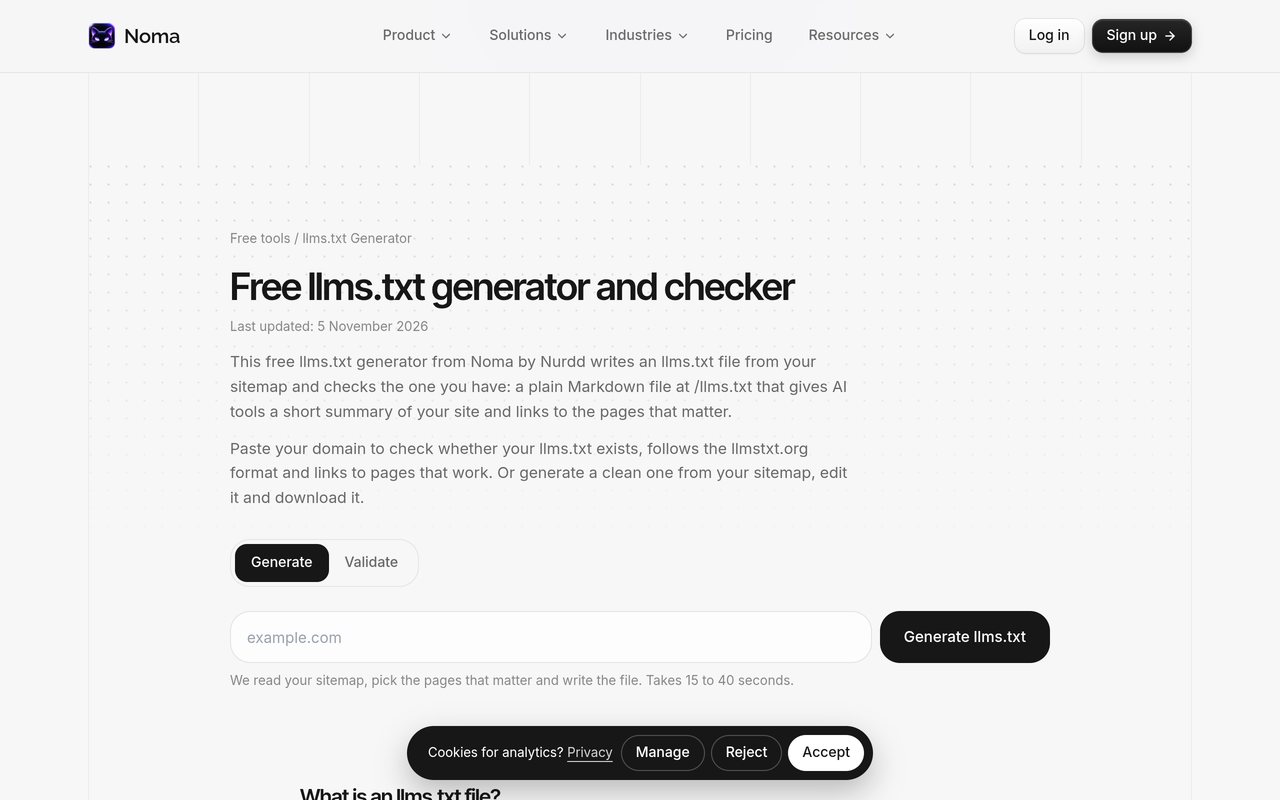
- Validate with a tool. Paste the file or URL into the free llms.txt generator and validator from Noma by Nurdd. It builds a file from your sitemap, lets you edit it, then validates any file and its links.
What a valid file contains
The llmstxt.org specification, September 2024 lists these sections, in this order. Only the H1 is required.
| Order | Section | Required? | Common mistake |
|---|---|---|---|
| 1 | Optional byte-order mark | No | Stray characters before the H1 from a bad export |
| 2 | H1 with the project or site name | Yes | Missing, or more than one H1 |
| 3 | Blockquote summary | No | Marketing copy instead of facts a model needs to read the rest |
| 4 | Detail sections without headings (paragraphs, lists) | No | Adding headings here, which the spec excludes |
| 5 | H2 sections holding file lists | No | Plain URLs with no link text |
| 6 | Each list item: [name](url), then optional colon and note | Link required | Relative URLs, redirected URLs |
| 7 | An H2 named Optional for secondary links | No | Putting key pages here, where a shorter context may skip them |
A minimal file that passes:
# Example Co
> Example Co sells invoicing software to UK freelancers.
## Docs
- [Pricing](https://example.com/pricing): plans and limits
The point is the shape: one H1, a short blockquote, H2 sections, and linked list items with notes.
Checks the spec does not cover
The proposal says nothing about HTTP status, content type or link health, so a file can be spec-correct and still useless. Add these yourself:
- Every listed link returns 200 without redirecting.
- The listed pages are server-rendered. If the content only exists after JavaScript runs, a crawler sees a shell. See Next.js content not in indexed HTML.
- The notes agree with the pages. A note that contradicts the page is worse than no note.
- The file is regenerated when pages move. Stale links accumulate quietly.
Other free checkers exist. As checked on 2026-11-14, GEO Toolbox says its checker resolves every linked URL and scores the file from 0 to 100. Whichever you use, confirm it reports link status and content type, not only Markdown syntax.
Do AI crawlers read llms.txt?
Some request it occasionally; most evidence says it is rare. The data is thin and comes from small sites, so use it as a reason to test your own logs, not as a verdict.
Google's John Mueller wrote on Bluesky: "FWIW no AI system currently uses llms.txt," Search Engine Roundtable, June 2025. Google's AI search guidance has since gone further: a Search Engine Land, May 2026 update records that Google Search Central lists llms.txt as not necessary for its AI search surfaces.
Server logs tell a more mixed story:
| Log sample | Window | Finding |
|---|---|---|
| Saaslinks, August 2026 | 14 days, 18 AI crawler families | 723 robots.txt fetches and zero llms.txt fetches |
| AI Visibility Census on DEV Community, November 2026 | About 75 hours on a new site, 29 October to 1 November 2026 | Googlebot asked for llms.txt or llms-full.txt 5 times, GoogleOther 4 times, ClaudeBot once. Bingbot and Applebot never did, and no verified OpenAI or Perplexity request appeared. |
A worked example from those numbers
The AI Visibility Census table lists 230 verified Googlebot requests, of which 3 were for llms.txt and 2 for llms-full.txt. That is 5 of 230, about 2.2%. ClaudeBot made 101 verified requests and 1 was for llms.txt, about 1%. The same crawlers fetched Markdown copies of pages 77 times, which the census says is far more attention than the file itself received.
Read that as a pattern, not a rate you can plan on: even on sites that serve the file, it is a small fraction of crawler traffic, and the pages it points to get fetched on their own schedule. Your numbers will differ, which is why the next section matters.
How do I confirm AI crawlers fetch my llms.txt in server logs?
You need raw access logs from your origin server or CDN. Analytics tools that run JavaScript miss bots entirely. For the wider method, see how to track AI crawlers with logs and analytics.
- Pull 14 to 30 days of logs. A short window will show nothing for a file bots rarely request. The two samples above ran 75 hours and 14 days.
- Filter for the file. On a standard Nginx or Apache log: grep -E "GET /llms(-full)?\.txt" access.log. On a CDN, filter the request path equal to /llms.txt.
- Group by user agent. Look for Googlebot, GoogleOther, ClaudeBot, OAI-SearchBot, GPTBot, ChatGPT-User and PerplexityBot. OpenAI's crawler documentation, as checked on 2026-11-14 separates OAI-SearchBot (ChatGPT search), GPTBot (model training) and ChatGPT-User (visits triggered by a user).
- Verify the source. A user-agent string is trivially faked. Match the IP against the operator's published ranges, as the AI Visibility Census did, and discard the rest.
- Check the status code. A 403 from your CDN means the bot asked and you refused it. A 404 means the file is missing at that path. Both show up in logs, and only logs show them.
- Compare with robots.txt and page fetches. If a bot fetches robots.txt and your pages but never llms.txt, the file is simply not on its route. If it fetches nothing, the problem is access.
Reading the result
| What you see | What it means | Next action |
|---|---|---|
| 200 responses to a verified AI bot | The file is reachable and a crawler requested it | Keep it current; note which pages the bot fetches next |
| 403 or 429 to AI bots | CDN or firewall is blocking | Allow the bots you want, then recheck |
| 404 to any bot | Wrong path or file not deployed | Fix the path or deploy step |
| Zero requests, many page fetches | Bots are on your site but skip the file | Seen in published samples; do not expect fetches |
| Zero requests of any kind from AI bots | Access or discovery problem | Check robots.txt and CDN rules first |
For the robots.txt side, the AI Crawler Policy Kit explains why blocking GPTBot does not remove you from ChatGPT search, which uses OAI-SearchBot.
What should I do if the file passes but no bot fetches it?
Nothing is broken. Spend the effort where fetches are certain: crawlable, server-rendered pages with clear facts. The technical SEO for AI search guide covers what Google says to fix first, and the llms.txt guide covers how to write the file itself. Then measure the outcome that matters: whether AI engines name your brand.
What should an llms.txt checker report?
Many free checkers only parse Markdown. Use this table to judge any of them, including Noma's free llms.txt tool, before you trust a pass.
| Check | Why it matters | How to verify by hand |
|---|---|---|
| HTTP status of /llms.txt | A 404 or soft 404 means no file exists for crawlers | curl -I on the URL |
| Content type and encoding | An HTML response is not a Markdown file | Read the Content-Type header |
| H1 present, one only | The only requirement in the proposal | Open the file, look at line one |
| Section order | The proposal specifies the order | Compare with the table above |
| Link resolution | Dead and redirected links waste the curated list | Run each URL through curl -I |
| Bot access | A blocked file cannot be read | Test with the free AI crawler checker, then read your logs |
A 14-day test plan you can run for free
Treat the file as an experiment with a start date and a result, so you do not leave it unchecked for months.
- Day 1: validate the file, fix every failing link and record the date you deployed it.
- Day 1: confirm bots are allowed in robots.txt and at the CDN. Allowing search and user bots is a separate decision from training bots.
- Days 2 to 13: do not edit the file, so any change in fetches has one cause.
- Day 14: filter logs by path, group by verified user agent and fill in a three-column log: bot, requests for /llms.txt, requests for your top pages.
- Decide: if fetches are zero but page fetches are healthy, keep the file only if it costs nothing to maintain. If you see 403s, fix access first and rerun the window.
This test tells you whether crawlers request the file. It does not tell you whether an answer engine changes what it says about your brand. For that, track a fixed set of buyer prompts before and after, as described in how to choose prompts to track.
Where Noma fits
Noma by Nurdd is an AEO and AI visibility platform. It asks 13 AI engines, including ChatGPT, Gemini, Perplexity and Claude, the questions your buyers ask every day, and shows where your brand is named and which pages the answers cite. Its agent analytics reads your server logs and names the agent behind each request, so the log test above becomes a report. See it on your own brand: book a demo or start the 3-day free trial. A card is taken at signup so billing can start on day 3; cancel before then and nothing is charged.
Common mistakes when checking llms.txt
- Treating a green validator result as proof that AI engines use the file.
- Listing every page. The proposal describes a curated overview, not a sitemap.
- Testing only in a browser. Browsers follow redirects and pass bot checks that crawlers fail.
- Judging after 24 hours of logs.
- Trusting user-agent strings without verifying IP ranges.
How we researched this
We reviewed the llmstxt.org proposal, Google statements reported by Search Engine Roundtable and Search Engine Land, OpenAI's crawler documentation, two published server-log samples and the pages of several free checkers. Facts, tools and dates were checked on 2026-11-14. We did not run our own log study, so the crawler figures are the publishers' own and come from small sites.
Next step
Run the file through the free llms.txt tool today, then set a reminder to grep your logs in two weeks. To track whether AI engines name your brand, book a demo or start the free trial.
See what AI engines say about your brand
Free · no account · or start a 3-day trial
Questions people ask
How do I check if my llms.txt file is valid?
Fetch yourdomain.com/llms.txt and confirm a 200 status with a text content type in UTF-8. Then check the structure against the llmstxt.org format: an H1 is required, and a blockquote summary and H2 link lists are optional. Finally resolve every link, or paste the file into a checker such as Noma's free llms.txt tool.
Do AI crawlers read llms.txt?
Some request it, rarely. One 14-day sample across 18 AI crawler families recorded zero llms.txt fetches, while a 75-hour sample on a new site recorded Googlebot, GoogleOther and ClaudeBot requests. Check your own server logs to see what happens on your site.
Does Google use llms.txt?
Google's John Mueller said in June 2025 that no AI system currently uses llms.txt. Search Engine Land reported in May 2026 that Google Search Central lists the file as not necessary for its AI search surfaces.
What is the only required part of an llms.txt file?
Under the llmstxt.org proposal, the only required section is an H1 with the name of the project or site. The blockquote summary, detail sections and H2 file lists are optional, but they must follow that order.
How do I see if GPTBot or ClaudeBot fetched my llms.txt?
Filter 14 to 30 days of raw access logs for requests to /llms.txt and group them by user agent. Match the IP addresses to each company's published ranges, because user-agent strings can be faked.
Why does my llms.txt return a 403 to AI bots?
A CDN, firewall or bot-protection rule is probably blocking AI user agents. Allow the bots you want, then recheck your logs. Noma's free AI crawler checker shows whether GPTBot, OAI-SearchBot, ClaudeBot and PerplexityBot can reach your site.