

An AI mode SEO checking tool can tell you whether a page is technically eligible for Google AI Mode, but it cannot prove the page will be cited. Eligibility and appearance are separate questions. Use a free page checker for the first, and repeated prompt-level tracking for the second.
Key takeaways
- Google says a page must be indexed and eligible to show with a snippet to appear as a supporting link in AI Mode. There are no extra technical requirements, so a page checker is mostly a standard SEO audit.
- A single check of a query is one sample. AI Mode returns different pages from run to run, so "I appeared once" proves little.
- Three tool types answer three different questions: page checkers (can it be read?), rank or SERP comparison (does AI Mode cite me for this query?), and prompt monitoring (how often, against whom, over time?).
- Run the free Noma AI SEO checker first, fix what it flags, then test the query itself before paying for anything.
- Move to ongoing tracking when you have more than a handful of pages or queries to watch, or when you need to show change over weeks.
What is the best tool to check my SEO for Google AI Mode?
The best choice depends on which question you are asking. Current roundups tend to lump page audits, AI Mode rank trackers and brand monitoring into one list, so a reader cannot tell what a tool can prove. This table separates them.
| Question you are asking | Tool type | What it can tell you | What it cannot tell you |
|---|---|---|---|
| Can AI Mode read and use this page? | Page-level checker, such as the Noma AI SEO checker | Crawl access, indexability, structure, schema, whether the content is easy to lift | Whether the page is actually cited for any query |
| Does AI Mode cite me for this one query today? | SERP comparison, such as the Google Rank vs AI Mode checker | Your Google position beside the sources AI Mode and AI Overviews cite for that query | How stable that result is, or how you do across other queries |
| How often am I cited, and who is named instead? | Prompt-level monitoring across engines | Mention rate, citation rate, competitors, sources, trend over weeks | Whether a specific page change caused the movement, on its own |
| How much traffic came from AI Mode? | Google Search Console | Clicks and impressions counted in your Performance totals | An AI Mode only view: per Search Engine Land, AI Mode data is not filterable on its own |
Most people searching for an "AI Mode SEO checker" want the first row. It is the cheapest and the fastest, which is why it is where to begin. It is also the row most often oversold.
What does Google say a page needs to appear in AI Mode?
Google's documentation is short on this, and that shapes what any checking tool can honestly do. The page states:
"There are no additional requirements to appear in AI Overviews or AI Mode, nor other special optimizations necessary." (Google Search Central, as checked November 2026)
The same documentation says a page must be indexed and eligible to be shown in Google Search with a snippet to be a supporting link in AI Overviews or AI Mode. It also says meeting every requirement does not guarantee a page will be chosen. Read the source in full at Google Search Central, AI features and your website.
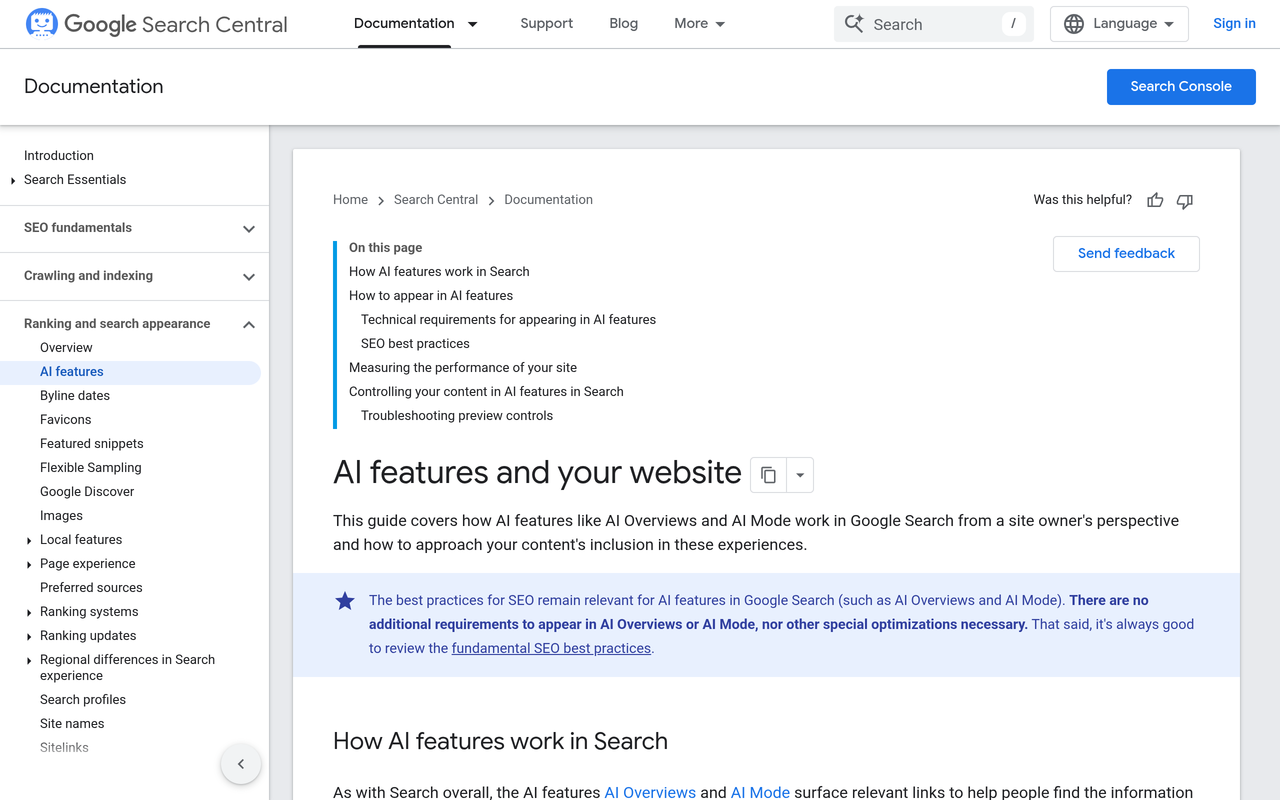
Two consequences follow. First, a tool claiming a secret "AI Mode score" is measuring its own model, not a Google requirement. Second, the honest value of a page checker is catching what blocks eligibility: noindex tags, blocked crawling, snippet restrictions, thin or hard-to-parse content. Google also describes a "query fan-out" technique, where AI Mode issues several related searches across subtopics. A page can be eligible for one subtopic and absent from the answer to the parent question.
How do I check if my page appears in Google AI Mode?
Use this order. It costs nothing until step 5.
- Confirm eligibility. Check the page is indexed, not set to noindex, and not restricted with snippet controls. Search Console's URL Inspection shows indexing status.
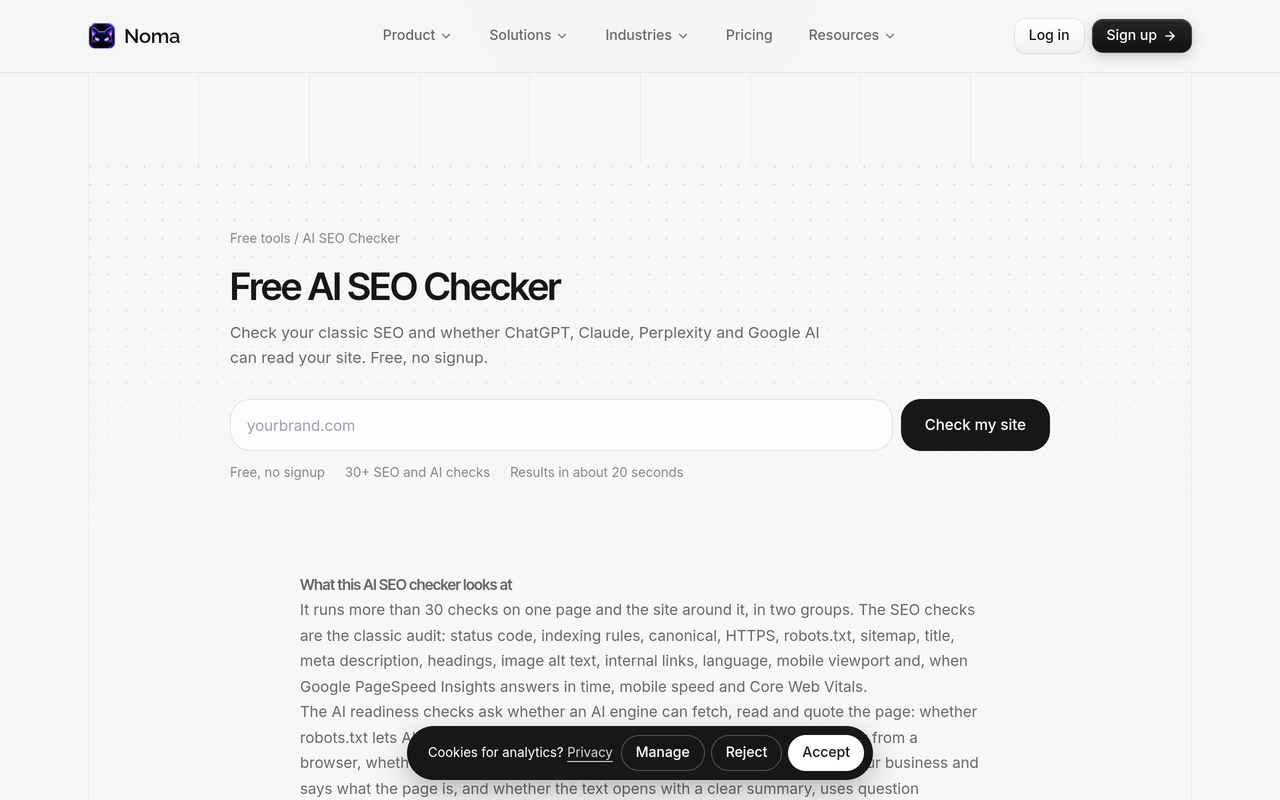
- Run a page-level check. The free Noma AI SEO checker runs 30+ checks on SEO and on whether ChatGPT, Claude, Perplexity and Google AI Mode can read the page, then lists the top fixes. It needs no signup.
- Check crawler access. The free AI Crawler Checker tests whether GPTBot, OAI-SearchBot, ClaudeBot, PerplexityBot and Google AI can crawl the site and generates a corrected robots.txt.
- Test the query. Enter your target query in the Google Rank vs AI Mode checker. It shows your Google ranking next to what AI Overviews and AI Mode cite for the same query, and who is cited instead of you.
- Repeat it. Run the query on different days and in a clean session. Log each result as cited or not cited. One run is an anecdote.
- Decide whether to monitor. If the answer matters to revenue, move the query into ongoing tracking (see below).
The figure below shows the page check as it appears on Noma's site.
Why one check is not enough
A page-level result describes the page. An AI Mode result describes a draw from a changing pool. Public studies show how large the gap is.
SE Ranking's study of 10,000 keywords, reported by Search Engine Journal, July 2025, found the average overlap of exact URLs across three runs of the same query was 9.2%. In 21.2% of keywords, the three runs shared no URL at all. The same report put overlap between AI Mode sources and the organic top 10 at 14% by URL and 21.9% by domain.
Brand lists wobble too. Search Engine Journal, January 2026, reported SparkToro research in which ChatGPT and Google AI Overviews each returned the same brand list less than 1% of the time across repeated runs of one prompt. The same report noted that visibility measured across many queries was steadier.
These are older studies of a product that keeps changing, so treat the exact figures as indicative. The direction is the point: a single appearance, or a single absence, is weak evidence. Noma's own write-up on AI citation stability covers how many runs to sample and how to separate noise from change.
A worked example of reading repeat runs
This is arithmetic with invented inputs, not Noma data. Say you track 20 buyer prompts and run each 5 times: 100 runs. Your page is cited in 18 of them.
- Citation rate = 18 / 100 = 18%.
- If a competitor page is cited in 41 of the same 100 runs, its rate is 41%.
- A week later you change the page and the rate moves from 18% to 21%. With 100 runs, that three-point gap is within the noise the studies above would predict, so do not report it as a win.
The rule: state the numerator and the denominator, and call a change only when it is larger than the run-to-run variation you have already seen.
How do page checkers, rank trackers and prompt monitoring compare?
This second table compares the approaches on the factors that decide whether a tool fits your job.
| Factor | Page-level checker | Query-level SERP comparison | Ongoing prompt monitoring |
|---|---|---|---|
| Unit measured | One URL | One query, one moment | A fixed prompt set, every day |
| Handles run-to-run variation | Not applicable | No, one sample | Yes, with repeated runs |
| Shows competitors | No | Yes, for that query | Yes, with share of voice |
| Covers engines beyond Google | Readability checks across several | Google AI features | 13 AI engines, including ChatGPT, Gemini, Perplexity and Claude, in Noma |
| Shows a trend | No | No | Yes |
| Cost to start | Free | Free | Paid plan, see Noma pricing |
Some other free checkers sit in the first two columns. As checked on 2026-11-01, SEOmator describes a free Google AI Mode analyzer that looks at AI responses across locations and devices, and Sitechecker describes an AI Overview checker that shows which keywords trigger Overviews and whether your site is cited. Both answer one-off questions. Neither is described on its page as tracking a fixed prompt set over weeks across other AI engines, which is the gap ongoing monitoring fills.
Where does Google Search Console fit?
Search Console is the only first-party source of AI Mode traffic data, so use it alongside any third-party tool. According to Search Engine Land, a click on an external link in AI Mode counts as a click, a page appearing in the response counts as an impression, and each component inside AI Mode has its own position. A follow-up question is treated as a new search.
The limit is that AI Mode data is folded into your Performance totals and cannot be filtered out on its own. Search Console tells you what happened to Google traffic. It does not tell you which competitor was named, what the answer said about you, or how ChatGPT or Perplexity treat you.
What changed in AI Mode recently?
Google announced on 15 October 2026 that it is changing how links display in AI Mode and AI Overviews, including inline source links placed higher in responses, according to PPC Land, October 2026. For a checker, this means a citation you earn is more visible than before, and any "before and after" comparison should note the date of the change. Record the date next to your baseline.
What should a page-level AI Mode check actually cover?
Use this list to judge any tool, free or paid. If a checker reports an opaque score without these underlying checks, you cannot act on it.
- Indexing and snippet eligibility. Indexed, canonical correct, no noindex, no snippet blocking.
- Crawl access. Googlebot and other relevant crawlers not blocked in robots.txt or at the CDN.
- Answer-first structure. The page answers the question near the top, under a heading phrased as the question. See Noma's guide on how to optimise content for AI Mode and AI Overviews.
- Quotable passages. Specific, self-contained sentences with named entities, numbers and sources. The free Content AI-Readiness Grader shows which passages are quotable and which are weak.
- Structured data. Valid markup that matches the visible page. The free Schema Markup Generator creates and validates JSON-LD. Google notes structured data is not required for AI features, so treat it as supporting.
- Freshness and accuracy. Dates, prices and facts current, since an old figure is the one an engine may repeat.
When should you move from a free check to ongoing tracking?
Free checks are the right start. They stop being enough in these situations.
- You have more than around 10 queries or pages to watch, so manual repeats cost hours.
- You need to report change to a manager or client, which requires a fixed prompt set and consistent method.
- Buyers use more than Google. If ChatGPT, Perplexity or Claude recommend competitors for your category, an AI Mode check misses it.
- You need to know which sources the answers cite, so you can work on pages you do not own.
- A page passed every check and still is not cited. The cause is then outside the page, and only repeated, comparative data will show it.
For choosing the prompts, see which prompts to track. For tool selection beyond Google, see Noma's comparison of AI visibility and AEO tools.
Where Noma fits
Noma by Nurdd is an answer engine optimisation (AEO) platform that asks 13 AI engines, including ChatGPT, Gemini, Perplexity and Claude, the questions your buyers ask, every day. For each engine it reports visibility, position and sentiment, names the competitors that appear instead of you, and lists the pages the answers cite. It is the ongoing layer after a free page check.
See it on your own brand: book a demo or start the 3-day free trial. A card is taken at signup so billing can start on day 3; cancel before then and nothing is charged.
Common mistakes when testing for AI Mode
- Treating one appearance as a result. The studies above show repeat runs differ widely.
- Testing branded queries only. Of course an engine names you when asked by name. Test the unbranded questions buyers ask.
- Logged-in, personalised sessions. Your own history can shape what you see. Use clean sessions and note location.
- Confusing rank with citation. Ranking in the top 10 and being cited in AI Mode are different outcomes, and public studies show limited overlap between them.
- Optimising for a checker's score. Google says no special optimisation is required. Fix what the checker shows is broken, not the number.
How we researched this
We reviewed Google Search Central documentation on AI features, Search Console coverage of AI Mode reporting, published studies on AI Mode citation overlap and run-to-run consistency as reported by industry publications, and the public pages of tools offering AI Mode checks. Facts, tool descriptions and links were checked on 2026-11-01. Where a study is older than 12 months, it is labelled with its date. Noma's statements come from Noma's own product facts. We did not run our own tests of other vendors' tools, and no Noma customer data is used.
What to do next
Run the free AI SEO checker on your most important page today, fix the top items, then test its target query and log the result across several days. If the work needs to continue past a few pages, book a demo or start the free trial to track the same prompts every day across 13 AI engines.
See what AI engines say about your brand
Free · no account · or start a 3-day trial
Questions people ask
What is the best tool to check my SEO for Google AI Mode?
It depends on the question. For whether a page can be read and is eligible, use a free page-level checker such as the Noma AI SEO checker. For whether Google AI Mode cites you for a query, use a SERP comparison tool, then move to prompt-level monitoring to see how often and against whom.
How do I check if my page appears in Google AI Mode?
Search your target question in AI Mode from a clean session and see whether your URL is listed as a source. Repeat it on different days, because AI Mode returns different pages between runs. A free tool that compares your Google ranking with the sources AI Mode cites can speed this up.
Do I need special SEO for Google AI Mode?
Google's documentation says there are no additional requirements or special optimisations to appear in AI Overviews or AI Mode. A page must be indexed and eligible to show with a snippet. Standard SEO best practice still applies.
Can Google Search Console show AI Mode traffic?
Yes, in part. Per Search Engine Land, AI Mode clicks, impressions and positions count toward your Performance report totals. They cannot be filtered to show AI Mode on its own, so it does not show which competitors were cited.
Why does my page appear in AI Mode one day and not the next?
AI Mode draws on a changing pool of pages. SE Ranking, reported by Search Engine Journal in July 2025, found average exact-URL overlap of 9.2% across three runs of the same query. Measure over repeated runs and report a rate, not a single result.
Is a free AI Mode checker enough?
For one page or a handful of queries, yes, as a starting point. It cannot show trends, competitor share or other AI engines. Move to ongoing tracking when you need to report change over weeks or watch many prompts.